


Absolutely great! Very good of you to provide such a free programme. Have tried many to remove background and yours consistently produces excellent results. Thank you.
MargaretFree Background Changer
Easily change and customize backgrounds with Picsart's user-friendly Background Changer. No design experience needed—explore a wide selection of backgrounds or upload your own for fast, flawless results.
Tool rating



How to change photo backgrounds
How to
Upload your image
Click Browse files and pick the photo where you want to remove the background.
Achieve fast, efficient background changes
- 400K+backgrounds changed monthly
- 3xfaster background editing
- 80%higher engagement
- 50%cost savings
AI-powered Background Changer for standout photos
Transform any image with ease using Picsart’s AI-powered Background Changer. Quickly replace busy or unwanted settings with clean, striking scenes that suit your style. From content creation to product images to social media posts, this user-friendly tool makes every photo look professional in just a few clicks. Built with AI-powered features and designed for ease of use, it ensures fast, flawless results through an intuitive interface that feels effortless.
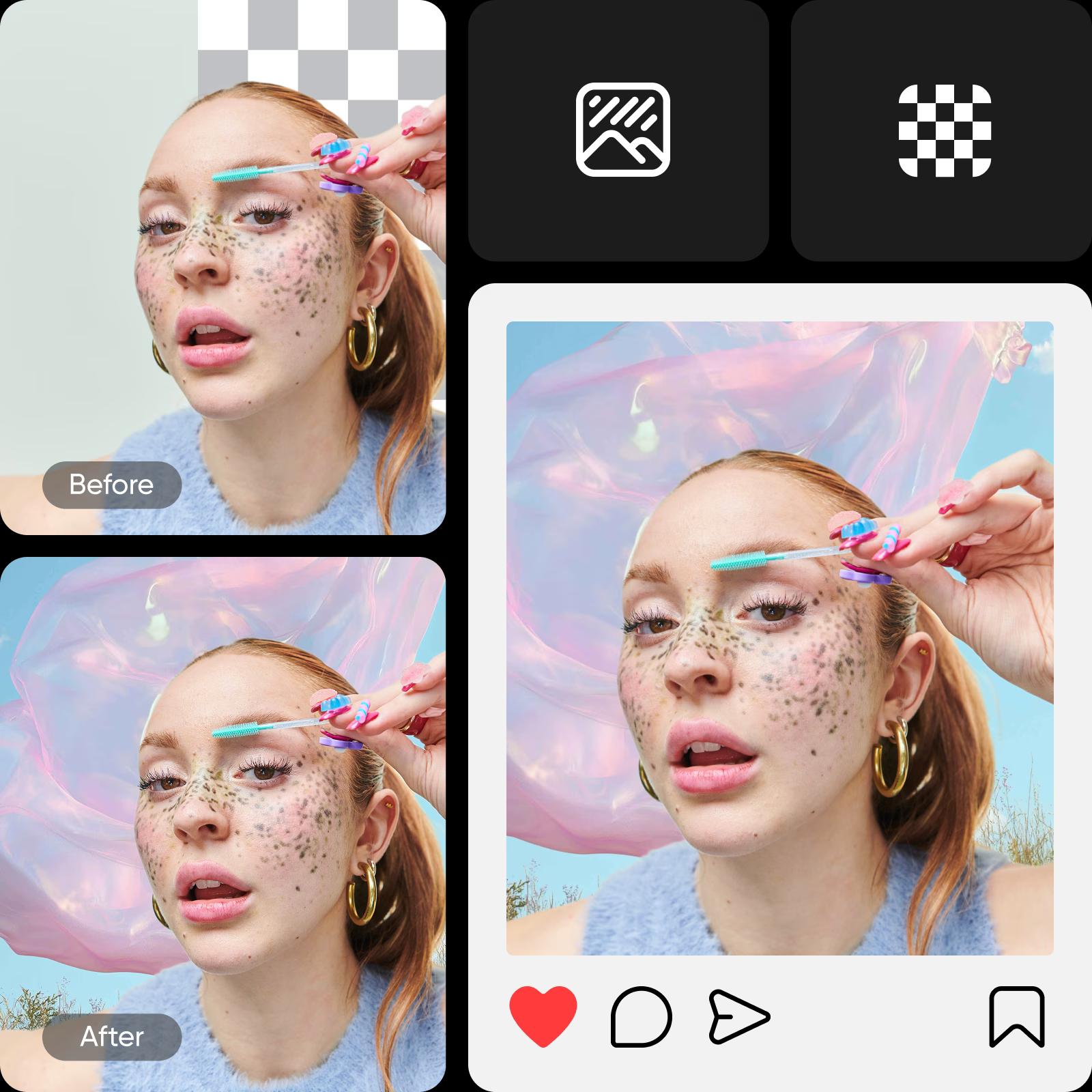
Edit backgrounds in an instant
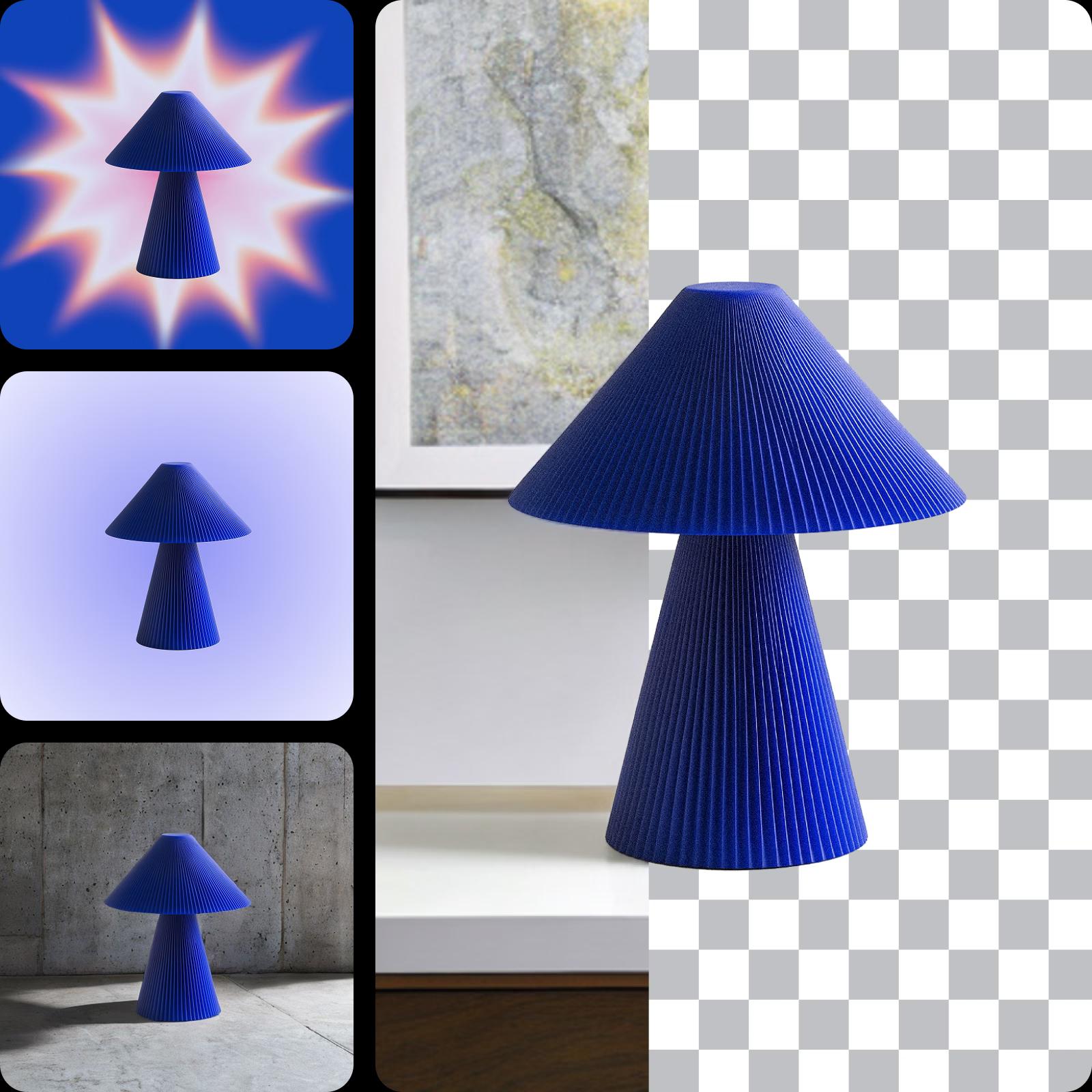
Reinvent the look of your photos in the blink of an eye with Picsart’s background editor. Create a transparent background or change the background color for a more minimalist look. Meet e-commerce standards with white backgrounds, or give your subject a sophisticated look with a black backdrop. Every step is built around ease of use, letting you focus on creativity, not complexity.


After
Transform your images by adding fresh backgrounds
Want a more scenic view? Tap into the photo background editor’s built-in library to explore a vast selection of ready-to-go backdrops or just upload your own. The intuitive interface makes browsing and swapping backgrounds feel natural. If you need to remove the background first, simply use the Remove Background tool for an even smoother editing experience. Whether for content creators or professionals, this user-friendly tool ensures every background update looks seamless.
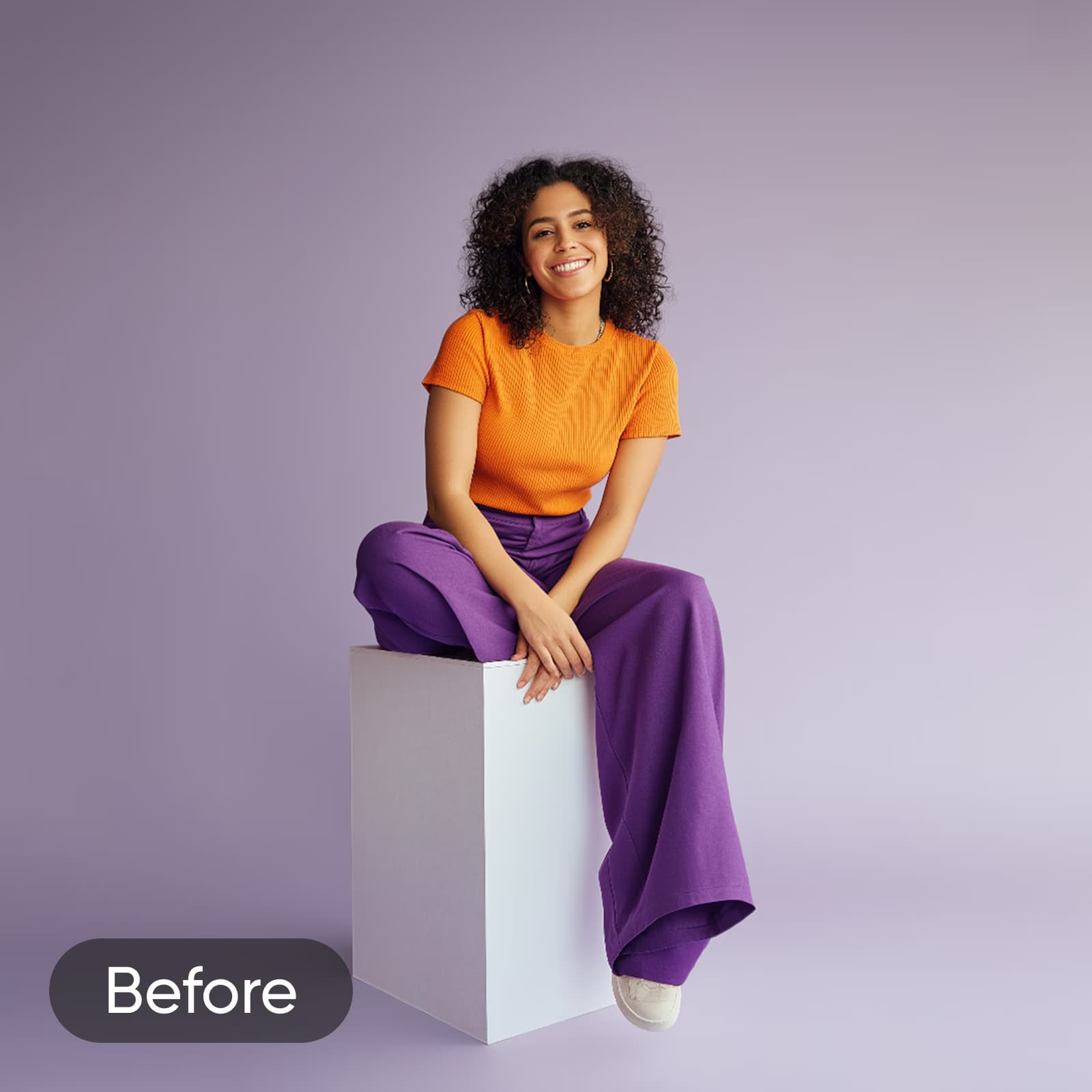

After
See the photo background editor in action
Product images
Keep the focus on the product with minimalistic backgrounds. Speed up your promotional content pipeline with AI and minimize cost. Multitask effortlessly with Batch Editor and change the background of several photos in one go.
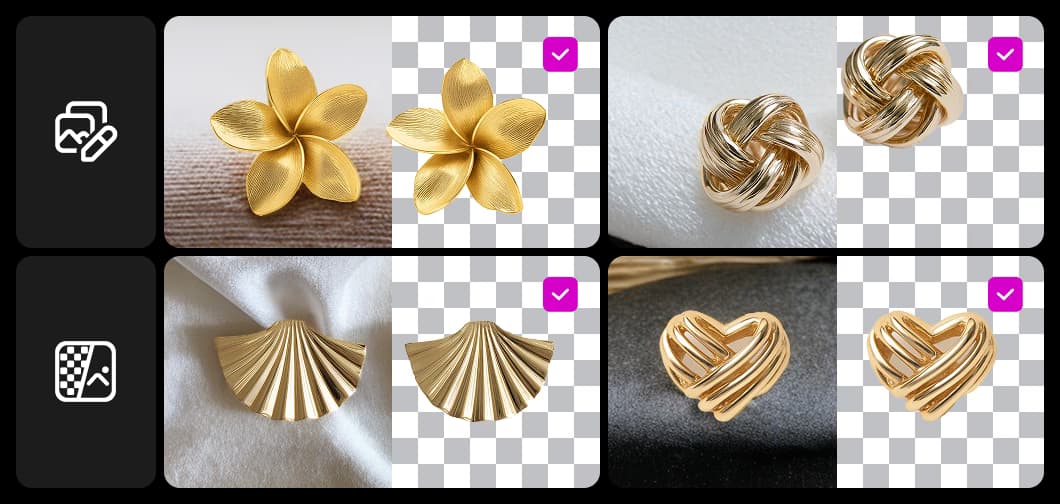
Explore a library of endless background options
Dive into Picsart’s extensive background library, packed with thousands of styles to suit any mood or project. Choose from solid colors, soft gradients, detailed textures, or unique AI-generated designs. With a user-friendly interface, it’s simple to experiment and find the perfect match for your subject. The combination of intuitive interface design and AI-powered tools means editing stays smooth, fast, and satisfying.
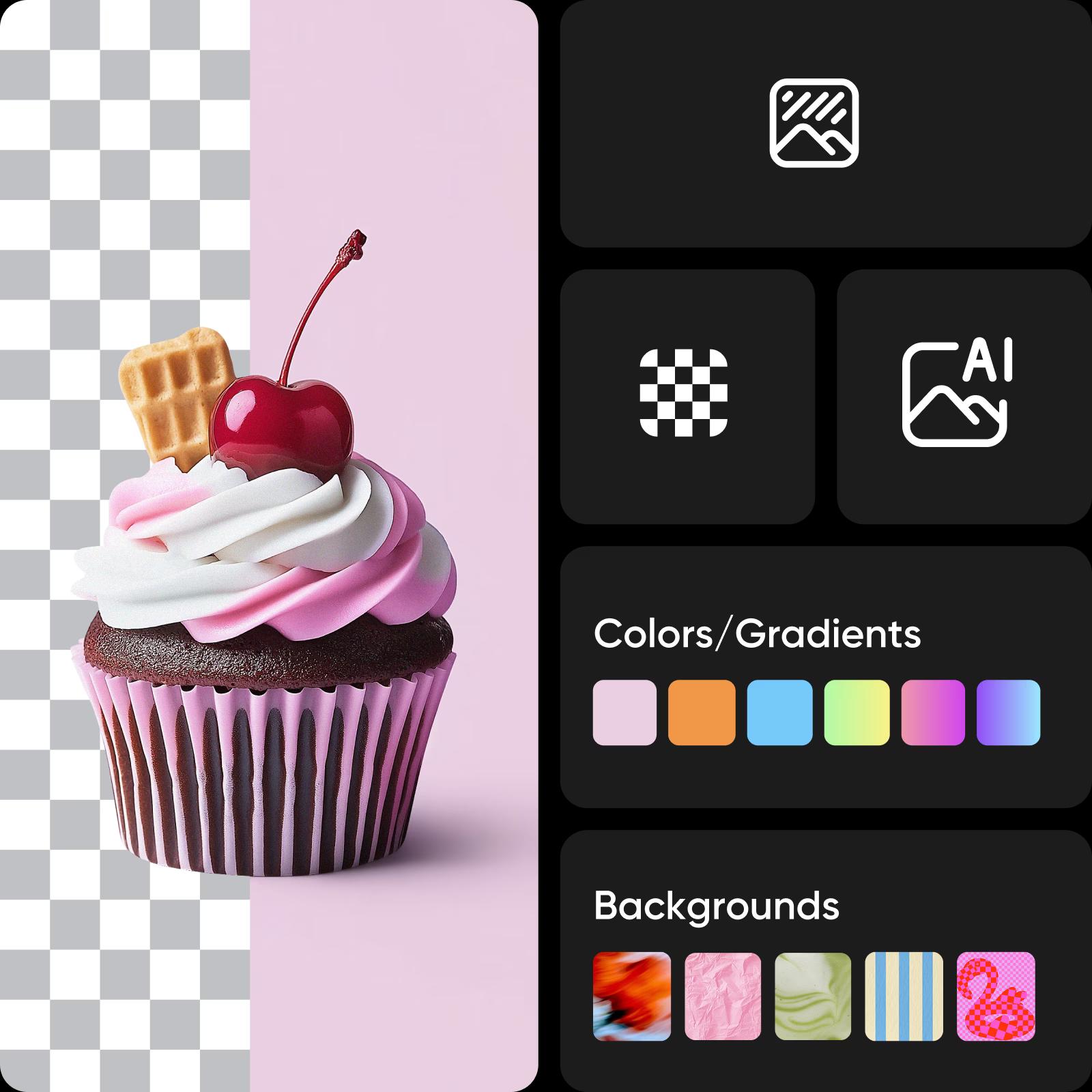
Edit multiple photo backgrounds at once with ease
Save time with batch background editing that lets you process multiple images at once. Great for product catalogs, team headshots, or bulk content needs, this user-friendly tool ensures consistent background changes across multiple photos, helping you streamline workflows without sacrificing quality or creativity.

Transform your visuals with the Background Changer API
Easily update and customize image backgrounds with Picsart’s Background Changer API, powered by AI-powered features for seamless automation. Whether you're replacing backgrounds for e-commerce, social media, or photo prints, our API allows for quick, seamless edits. Batch process multiple images, adjust parameters, and integrate effortlessly into your existing system. Save time, reduce manual edits, and elevate your visuals. This tool is built for ease of use, letting you batch-process multiple files effortlessly.
Effortless background edits for every creative need
Background Changer reviews
Fantastic! Never a problem with your tools. I appreciate the effectiveness of them. Thank you so much.
PatVery excellent, I am highly impressed! Don't mind calling Picsart the best of the best.
EmmanuelBackground Changer: Quick photo editing tutorial for stunning visuals
Switch up any photo background with ease! This tutorial focuses on a key part of photo editing basics: changing the background without losing detail. Ideal for creative projects, social posts, or product photography.
Understand background edits
Learn how to remove, replace, and clean up backgrounds.






Background Changer FAQs
Absolutely! With Picsart’s Background Changer, you can upload any image or choose from our library of backgrounds to replace your original.
Change backgrounds and build more polished visuals
Pro
Most popularAI tools for everyday creative work.
Billed yearly
Ultra
Most powerfulHeavy AI usage for creators & teams.
Billed yearly, per seat
Enterprise
Custom AI solutions for large organizations.
Custom credit volume
- Volume discounts on credit rate
- On-demand top-ups
Custom
Contact for pricing
Explore related editing tools
Edit backgrounds with Picsart’s all-inclusive editing tools. Precisely and automatically remove backgrounds with AI, replace them with colors or patterns, and add backgrounds that are custom-fitted to your subject with just a prompt.


